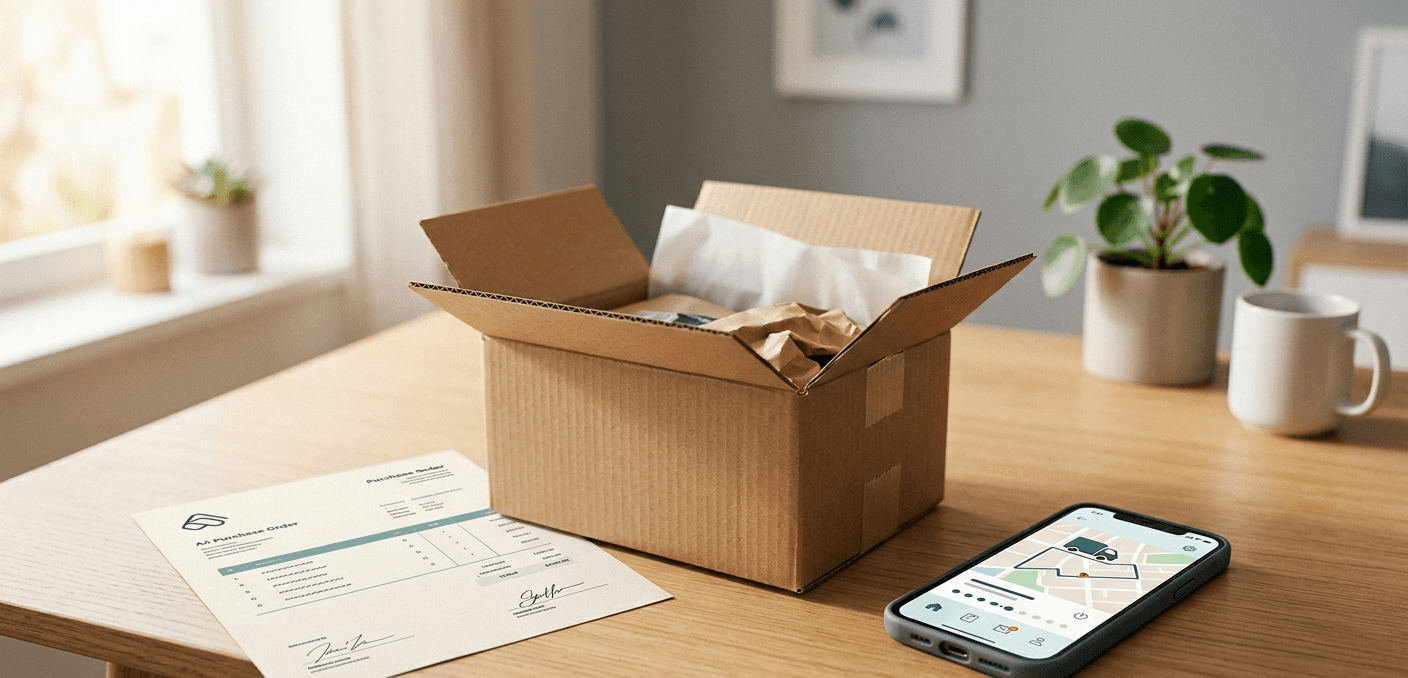
You've done the hard work. Sourced the parts, negotiated pricing, gotten the approvals, issued the purchase order.
Now just make sure it actually shows up. On time. Complete. To spec.
That "just make sure" part? It's where 40% to 60% of your procurement team's time disappears. APQC data shows top procurement performers issue POs in a median 8 hours while others take 11, and that gap only widens once you factor in the follow-up work. Purchase order tracking at most manufacturers is just "place and chase," as procurement folks like to call it. You send the PO, then spend weeks chasing the supplier for confirmation, dates, and status. If your team's juggling 400+ open POs at any given time, you already know PO tracking software isn't optional. It's the only thing standing between you and total chaos.
The frustrating part is that purchase order tracking for manufacturers is a category where the need is painfully obvious but the tools haven't caught up. Google "purchase order automation" and you'll find IBM whitepapers and generic content that has nothing to do with how a manufacturer actually operates day-to-day.
What Does "Place and Chase" Actually Look Like?
Here's the lifecycle of a typical PO at a manufacturer:
Day 0: You email the PO to the supplier.
Day 1-3: Radio silence. Did they get it? Did it go to the right person? Does their quoting team even know it exists?
Day 3-5: You send a follow-up asking for PO acknowledgment.
Day 5-7: Supplier acknowledges but doesn't confirm the delivery date.
Day 7-10: You follow up again, asking for a confirmed ship date.
Day 12: Supplier responds with a date two weeks later than what was on the PO.
Day 12-14: You escalate internally, negotiate with the supplier, maybe get a revised date.
Day 14: You manually update the promised date in your ERP.
Day 20-30: Another follow-up to confirm the order's still on track.
Day 30+: If the shipment's late, the chasing intensifies. More emails. Phone calls. Your production planner calling you asking where the parts are.
Now multiply that by 400 open POs.
That's Tuesday for most manufacturing procurement teams. One buyer we talked to described it as "constantly treading water." Another said 20+ hours per week went to follow-ups alone.
Why Excel and Email Don't Cut It for PO Tracking
Most manufacturers track POs using some combination of their ERP, spreadsheets, and email. The ERP has the PO data, but the real status lives in email threads and personal spreadsheets that each buyer maintains on their own.
It falls apart fast.
Where Does PO-8834 Actually Stand?
Ask five people on the team and you'll get five different answers. The ERP says the original date. The buyer's spreadsheet has a revised date from two weeks ago. The most recent email (buried in a thread with 14 replies) has the supplier saying they're "a few days behind." Nobody's ERP field is current because updating it means switching systems and manually entering data every single time something changes. A Gartner survey from February 2025 found GenAI tools save supply chain workers 4.11 hours per week on average. PO status updates are exactly where those hours go.
So when your VP asks for a status update on all open POs for a production build, someone spends hours assembling a report that's already stale by the time it's done.
Follow-Ups That Fall Through the Cracks
When a buyer's managing 200+ open POs, some will slip. A supplier who was supposed to confirm a ship date last week gets overlooked because three other suppliers had more urgent fires.
One robotics manufacturer told us they had 671 open purchase orders with a three-person team. Between 10% and 20% were late, and suppliers almost never reported delays on their own. The team only found out about problems when they went looking, which meant they had to look constantly.
You Don't Find Out Until It's Too Late
By the time you realize a PO is at risk, it's usually too late to do anything except expedite (which costs money) or push back a production date (which costs more money).
What you need is something that flags problems before they become emergencies. A supplier who hasn't acknowledged a PO after five days. A confirmed date that's slipping. A pattern of late deliveries from a specific vendor. Or a combination of those happening at once for the same build.
Without that kind of visibility, your team stays reactive. Reactive procurement always costs more. Always.
What Should PO Tracking Software Actually Do?
If you're evaluating PO tracking tools for manufacturing, here's the bar. Not every tool hits all of this, but it's what you should measure against.
Send Confirmation Requests Automatically
When a PO goes out, the system should automatically request confirmation from the supplier. Not a system-generated notification that lands in spam, but a normal email from your buyer's address asking the supplier to acknowledge the PO and confirm the delivery date.
No response in three business days? The system sends a follow-up. Then another. Escalation happens automatically based on rules you set. Your buyer only gets involved when the supplier actually needs human attention.
Parse What Suppliers Actually Send Back
Most PO tracking tools fall down here. Suppliers don't respond in structured formats. They reply with "Shipping next Tuesday" or "Running about a week behind, sorry." They send PDF order acknowledgments with dates buried on page two.
The software needs to read these messy, unstructured responses and pull out confirmed dates, tracking numbers, partial shipment details, and delay notifications. Then push that back to your ERP so nobody has to type it in manually. That last part is where most tools fall short. They'll capture the info but leave you doing the data entry anyway.
Flag Risk Before It Becomes a Crisis
Not all POs deserve the same attention. A standard hardware order that's two days late? Fine. A custom machined component for a build that ships next week? That's a five-alarm fire.
Risk tracking should account for how critical the part is, how far out the delivery date is, the supplier's track record, and whether they've gone silent. The system should assign risk levels and escalate on its own. Your team shouldn't be triaging manually across 400 POs to figure out which ones to worry about.
Vendor scoring matters here too. If Supplier X has delivered late on 30% of POs over the last six months, every new PO to that supplier should start with a higher risk flag and a tighter follow-up cadence. Most ERPs don't track this at all. You'd have to pull a custom report in NetSuite or run a saved search, and even then the data's only as good as what someone remembered to enter.
Show Build Readiness, Not Just PO Status
For manufacturers, the question isn't just "where's my PO?" It's "do I have everything I need to start this build?"
Build readiness (sometimes called "clear to build") means looking across all the POs tied to a specific production job or work order and knowing whether everything's on track. If nine out of ten components are confirmed but the tenth is at risk, you need to know that now, not the day before production starts.
PO tracking software that connects order status to production scheduling lets your planning team make decisions with lead time, not in a panic.
Integrate with Your ERP Without a Six-Month Project
Your ERP is the system of record for purchase orders. Any PO tracking tool needs to read from it and write back to it: confirmed dates, ship dates, status changes.
But most manufacturers hit the same wall. ERP integration typically means a six-month IT project, and nobody has time for that. What teams actually need is a way to connect through existing APIs or flat file exports without a huge implementation effort. If the tool requires three months of custom connectors, it's not practical. IT has bigger priorities than procurement integrations, and they'll tell you so.
What Does Manual PO Tracking Actually Cost?
More than most teams realize.
A buyer spending 20 hours per week on follow-ups? That's half their workweek gone. Four-person team, 80 hours per week. Two full-time salaries dedicated to sending "where's my stuff?" emails.
But the real number is what happens when follow-ups slip. In aerospace, grounding penalties run $10,000 to $100,000 per day. In general manufacturing, a late component that shuts down a production line costs $5,000 to $50,000 per day depending on the operation. One preventable delay per quarter can cost more than a buyer's annual salary.
When you find out too late, the fix is always expensive. Air freight instead of ground. Rush orders at premium pricing. One procurement team told us they traced $200,000 per year in expedited shipping back to delays they could've caught with earlier visibility. Two hundred grand on shipping they didn't need to pay for.
A 2025 Deloitte survey of over 250 CPOs found that top-performing teams achieve a 3.2x return on their AI investments, versus roughly 1.5x for everyone else. PO tracking is one of the most obvious places to start because the ROI math is so straightforward.
Then there's the cost nobody puts in a spreadsheet. Good procurement professionals didn't get into this career to copy dates from emails into SAP T-code ME23N. When the job becomes 80% data entry and follow-up, your best people leave for companies where they get to actually do procurement.
What Changes When You Automate PO Tracking?
Say you've got a buyer managing 300 open POs. Instead of opening Outlook and starting the daily chase, they check a dashboard. 275 are on track, handled automatically. Fifteen have flagged exceptions: late confirmations, silent suppliers, a partial shipment discrepancy, a date slip on a build-critical part.
They spend the morning on those 15 real problems. By lunch, they've handled more issues than they used to handle in a full week of chasing.
The afternoon? Vendor scoring analysis. Supplier development work. Actually reviewing contracts instead of copying dates into spreadsheets. The work they were hired to do.
Teams we've talked to who moved to automated PO tracking typically see follow-up time drop 60% to 80%. Late PO visibility improves by 5 to 10 days because delays get caught before they hit production. Buyers can handle 50% to 100% more POs without burning out. And here's the one that surprises people: ERP data actually stays current, because status updates come from parsed supplier emails instead of someone remembering to type them in.
How Do You Pick the Right PO Tracking Tool?
When you're evaluating tools, here's what actually matters.
First, does it work over email? Suppliers shouldn't have to adopt a new portal or log into anything. The moment you ask a supplier to create an account, you've lost half of them. We've watched this play out with Coupa and SAP Ariba supplier portals. The onboarding friction kills adoption before you get any value.
Can it parse unstructured replies? Structured forms are the easy part. The real test is messy emails. "Shipping next Tuesday, sorry for the delay, attached is the revised schedule." PDF acknowledgments with dates buried on page two. Excel ship schedules with merged cells and color coding that only makes sense to the person who built it. If the tool can't handle the messy stuff, it handles about 20% of your actual supplier communication.
How does ERP integration actually work? Not "we support 50+ ERPs" on a marketing page, but concretely: can it pull PO data and push back confirmed dates without a six-month IT project? Ask for the typical time-to-value. If the answer is "it depends," push harder.
Does it cover PO sent through goods received? Lots of tools handle issuance or shipment tracking, not both. You need the full lifecycle or you're just moving the manual work from one stage to another.
What analytics come out of it? Which suppliers are chronically late? What percentage of POs need more than two follow-ups before you get a confirmation? That data feeds vendor scoring and supplier development, and it's gold when you're negotiating contracts.
The Chasing Has to Stop Somewhere
The Hackett Group found 64% of procurement leaders say AI will change their jobs within five years. Most of them expect to start by killing the place-and-chase cycle.
That tracks. Place and chase is the single biggest time drain in manufacturing procurement. The fix isn't hiring more people to chase faster. We've seen teams try that. They hire a PO coordinator, that person fills up in two months, and they're back where they started.
The fix is software that handles the chasing so your team can work on the exceptions that actually need a human brain.
Lumari automates PO follow-ups over email, pulls status updates out of supplier replies (even the messy ones), and gives your team real-time visibility across every open order. No supplier onboarding, no portal to deploy. If your team's drowning in place and chase, it's worth a look.
Sources
APQC, "Top Performers in Procurement Achieve Cycle Time Efficiency" - https://www.sdcexec.com/sourcing-procurement/article/11647230/apqc-top-performers-in-procurement-achieve-cycle-time-efficiency
Deloitte, "2025 Global Chief Procurement Officer Survey" - https://www.deloitte.com/us/en/services/consulting/articles/2025-global-chief-procurement-officer-survey.html
The Hackett Group, "Procurement Leaders Say AI Will Transform Their Jobs" - https://www.thehackettgroup.com/the-hackett-group-procurement-leaders-say-ai-will-transform-their-jobs/
Share