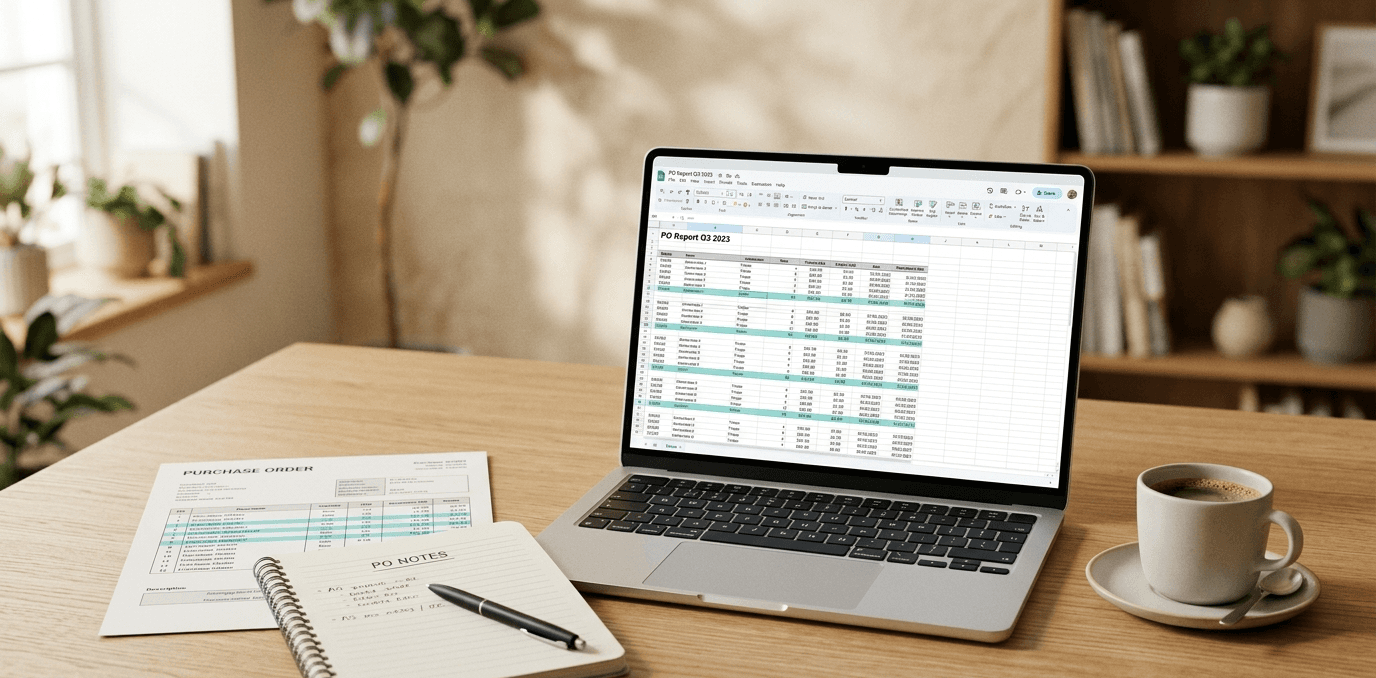

Somewhere on a buyer's desktop right now, there's a file called "Quote_Comparison_FINAL_v3_REAL_FINAL.xlsx." That buyer built it over two days. They hand-typed 1,500 data points from five supplier quotes into a spreadsheet, checked each entry twice, caught two transposed decimals on the third pass, and missed a third one that nobody found until after the PO shipped. APQC research found over 60% of invoice errors come from manual data entry. Quote comparison has the same problem, except nobody tracks those errors because the spreadsheet disappears into someone's desktop folder and the decision's already made.
That's the real cost of manual quote comparison. Not the hours (though those are bad enough). The mistakes that flow downstream into PO values, production schedules, and supplier relationships before anyone catches them. A lead time entered in days instead of weeks. A unit price copied from the wrong row. Those errors compound, and by the time they surface, you've committed to the wrong supplier on the wrong terms.
Speed Is a Sourcing Advantage You're Giving Away
There's another cost that doesn't show up anywhere. In competitive sourcing situations, turnaround time is pricing power. Your team takes three days to build a comparison matrix. Your competitor does it in three hours. They're locking in favorable pricing and capacity while you're still copying numbers from PDFs.
Ardent Partners' AP Metrics That Matter report puts it plainly: manual document processing averages 17.4 days versus 3.1 days automated. That's for invoices, which at least have somewhat predictable formats. Supplier quotes are worse. Every vendor sends pricing however they feel like it, and you're left building a Rosetta Stone for each RFQ.
The Knowledge Problem
Every buyer has their own spreadsheet format, their own shortcuts, their own way of normalizing when Supplier A quotes per piece and Supplier B quotes per hundred.
When they leave, that knowledge walks out with them. The replacement starts from scratch. Good luck finding the file, let alone decoding the color-coding system.
You're paying people who understand sourcing strategy, supplier relationships, negotiation. Not copy-paste. But that's what eats their week.
What 1,500 Data Points Looks Like in Practice
You've done this. A manufacturer sends an RFQ for 300 parts to five suppliers. That's 1,500 individual data points to enter by hand, just for unit price. Add lead time, MOQ, tooling, NRE, and you're well past 5,000 entries.
But the data entry is only half of it. One supplier sends a PDF with pricing buried in a table on page four. Another replies with an Excel file where unit price is in column D (last time it was column F). A third types numbers into the email body: "Part ABC-123: $4.50/ea, 6 week lead time, MOQ 500." The fourth sends a crooked scan of a typed document that you can't copy-paste from.
An aerospace manufacturer we talked to received an RFP response for 90 parts where every single supplier used a completely different format. Their team spent days just getting the data into a shape where comparison was possible. No actual analysis happened until that grunt work was done.
We've seen the same thing at a defense contractor: three full days burned on one large RFQ. Not analyzing. Not negotiating. Just copy-paste.
And after all that entry, you realize Supplier A quoted per piece, Supplier B quoted per hundred, and Supplier C included shipping while the others didn't. So you go back and normalize everything. Then you flag exceptions: which suppliers didn't quote all parts, which ones have lead times that won't work, non-standard terms. Only then can you actually look at the data.
Why Templates Don't Fix It (And Macros Are a Trap)
Standardized RFQ templates are the obvious first move. Create an Excel file with your part numbers, required columns (unit price, lead time, MOQ, tooling, NRE), clear instructions, and send it with every RFQ.
What actually happens is less satisfying. Your top suppliers, the ones doing enough business with you to justify the effort, will use it. Maybe. The rest ignore it and send whatever they were going to send anyway. Even the compliant ones rearrange columns, add rows, or modify the structure "to be helpful." Templates help at the margins. That's it.
Macro-enabled comparison workbooks are the power-user move. Some teams build Excel workbooks with VBA macros that pull data from supplier quote files into a comparison view. If your supplier formats stay perfectly consistent, this can save real time.
Macro workbooks are a trap. Every team I've seen build one eventually abandons it when the person who built it leaves. The macros break the second a supplier changes their format. They can't handle PDFs or email body text at all. And you're limited to whatever edge cases the builder anticipated, which is never enough. Don't start down that road.
AI Quote Extraction: What Actually Works (And What Doesn't)
Most tools in this space are built for indirect spend and choke on a 300-part manufacturing BOM. We've looked at a handful. The common failure mode: they demo great on a clean 10-line services quote, then fall apart when you hand them a 15-page machining RFQ with revision-level part numbers, quantity breaks across three tiers, and tooling amortized over the first 5,000 units. If a tool can't tell the difference between a one-time NRE charge and a recurring unit cost, it'll wreck your comparison quietly. You won't catch it until you're reviewing the PO.
A Gartner survey of 265 supply chain professionals found GenAI tools save people significant amount each week. Quote extraction is the clearest example of where those hours go. Quotes hit your inbox in whatever format the supplier chose that morning. Good AI reads each document, matches part numbers to your internal numbering, normalizes units and pricing basis, flags exceptions. You get a comparison matrix without touching the data yourself.
The baseline requirement is engineering document literacy. Manufacturing quotes reference drawings, specs, revision levels, material certifications. If a tool can't parse a quote that references AS9100 compliance or a specific ASTM spec, it wasn't built for you. Walk away.
Part number matching is where most tools quietly fail. Suppliers abbreviate your part numbers, add suffixes, use their own numbering entirely. The system has to match "ABC-123-Rev-C" to "ABC123" in your RFQ without you babysitting it. And it needs to handle partial quotes, because suppliers rarely quote every part you asked for. Treating missing items as zero wrecks your entire analysis (and you won't catch it until after you've issued the PO).
Price alone is useless for manufacturing decisions. You need lead time, MOQ, tooling, NRE charges, payment terms, quantity breaks. If the tool only compares unit price, you're doing half the work manually anyway. And if you source from the same 200 suppliers regularly, it should get better at reading their specific formats over time.
The Actual Problem Is Bigger Than Quotes
Quote comparison is one symptom. The Hackett Group found that Digital World Class procurement teams achieve 2.6X higher ROI mostly by eliminating manual data wrangling. Their buyers spend time on work that actually requires judgment. Quotes. PO confirmations. Ship notifications. Price change notices. It's all documents, all different, all requiring someone to pull out the numbers by hand.
Spreadsheets aren't going anywhere. They're great for analysis. The data entry that feeds them shouldn't be a human's job.
We built Lumari to kill the copy-paste. It connects to your email, reads incoming supplier quotes in whatever format they arrive, and normalizes the data automatically. Your buyers do the sourcing. The machine does the data entry.
Sources
Gartner, "Gartner Survey Shows Supply Chain GenAI Productivity Gains at Individual Level" (Feb 2025) - https://www.gartner.com/en/newsroom/press-releases/2025-02-05-gartner-survey-supply-chain-genai-productivity-gains-at-individual-level-while-creating-new-complications-for-organizations
The Hackett Group, "Digital World Class Procurement Teams Achieve 2.6X Higher ROI" - https://www.thehackettgroup.com/the-hackett-group-digital-world-class-procurement-teams-achieve-2-6x-higher-roi/
Share